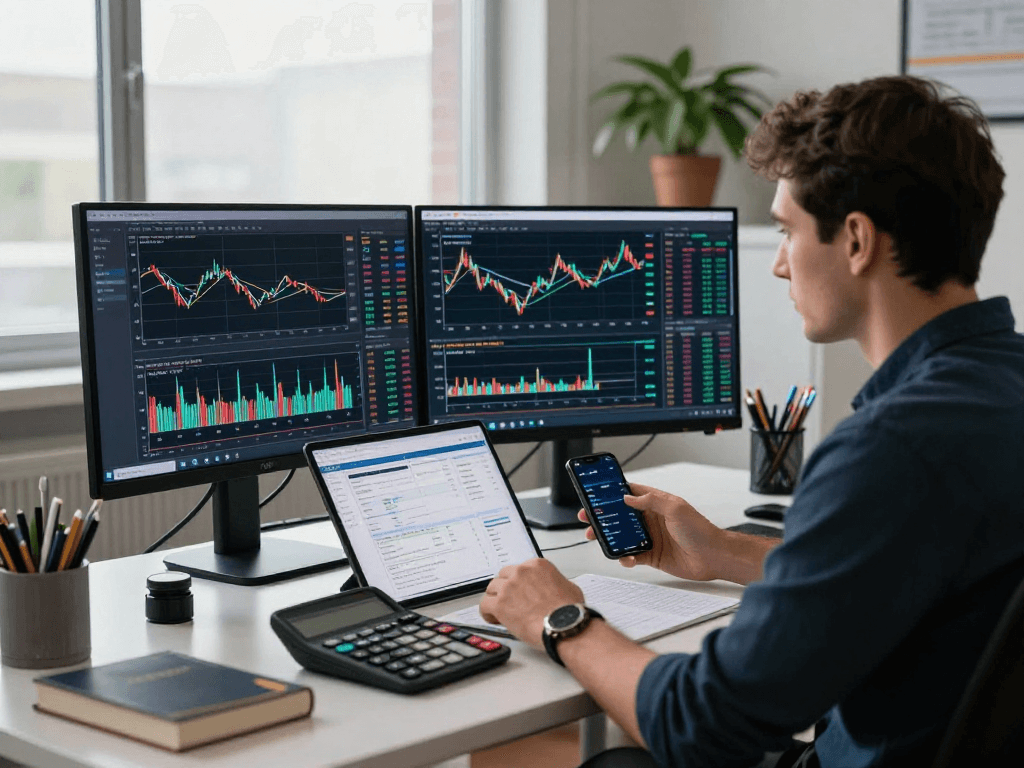
Understanding TradingView: A Comprehensive Overview
As the trading landscape evolves, traders are continuously searching for tools that can simplify and enhance their market analysis. TradingView emerges as a powerful platform that integrates all the essential elements for effective trading strategy development. With its user-friendly interface and extensive features, TradingView caters to a wide spectrum of traders, from novices to seasoned professionals.
What is TradingView and its Core Features?
At its core, TradingView is a social network for traders and investors, providing advanced charting tools and real-time market data across various asset classes, including stocks, forex, cryptocurrencies, and derivatives. The platform is renowned for its market analysis features, which include:
- Multi-Asset Charting: Users can analyze various asset classes within a single workspace.
- Customizable Indicators: Traders can design their indicators using Pine Script, TradingView's proprietary scripting language.
- Alerts and Notifications: Users can set alerts based on price movements, technical indicators, or custom conditions.
- Community Engagement: A vibrant community where traders can share ideas, scripts, and insights.
How TradingView Integrates Different Trading Instruments
One of the most significant advantages of TradingView is its ability to integrate multiple trading instruments seamlessly. Traders can switch between different asset classes with just a few clicks. This feature is particularly advantageous for those who trade across multiple markets, as it eliminates the need to use different platforms for each asset. Furthermore, TradingView supports a vast array of data sources, ensuring comprehensive coverage of global markets.
Benefits of Using TradingView for Market Analysis
Using TradingView for market analysis brings numerous benefits:
- Enhanced Visualization: The platform provides high-quality charts with various customization options, allowing traders to visualize market movements better.
- Access to Historical Data: Traders can analyze past price movements, adding depth to their trading strategies.
- Real-Time Data: With live market updates, traders can react swiftly to changing market conditions.
- Collaboration: Users can engage with fellow traders, fostering an environment of learning and sharing.
Building Your Trading Habits with TradingView
Establishing effective trading habits is crucial for consistent profitability. TradingView offers tools and features that can help traders build these habits systematically.
Four Steps to Establish Effective Trading Routines
Here are four steps to create a productive trading routine using TradingView:
- Define Your Trading Goals: Set clear goals regarding your trading objectives, whether they are short-term gains or long-term investments.
- Utilize Watchlists: Create watchlists of securities you wish to monitor closely, ensuring you focus on the most relevant markets.
- Regular Chart Analysis: Spend time analyzing charts regularly, using various indicators and trend lines to identify potential trade setups.
- Review and Reflect: Always review your trades to identify what worked and what didn’t, continuously refining your strategy.
Leveraging Alerts and Automation in TradingView
TradingView’s alert system allows traders to stay informed without constantly monitoring charts. With customizable alerts, you can be notified of significant price movements, indicator signals, or even specific conditions derived from your Pine Script strategies. This automation reduces the need for manual checks and allows you to focus on other aspects of your trading strategy.
Customizing Your TradingView Interface for Optimal Use
Customization is a key feature of TradingView. Users can modify their dashboards to fit their unique trading styles. This includes setting up multiple chart layouts, adjusting color themes, and adding or removing widgets such as news feeds or economic calendars. A personalized interface can enhance your trading experience and boost productivity.
Utilizing Technical Analysis Tools on TradingView
Technical analysis is foundational to successful trading, and TradingView offers a wealth of tools to assist traders in this area. The platform’s capabilities allow for both simple and complex analyses.
Understanding and Applying Trading Indicators
TradingView provides a vast library of technical indicators, including moving averages, RSI, Bollinger Bands, and more. Understanding how to apply these indicators correctly can significantly improve your trading decisions:
- Moving Averages: Useful for identifying trends and potential reversal points.
- Relative Strength Index (RSI): Helps in determining overbought or oversold conditions.
- Bollinger Bands: Useful for evaluating volatility and potential market reversals.
Building Charts with TradingView’s Advanced Features
Creating advanced charts is straightforward with TradingView’s user-friendly interface. Users can use various chart types, including line, candlestick, and bar charts, to analyze price movements effectively. Additionally, the platform allows traders to draw trend lines, support and resistance levels, and even annotate charts with comments for future reference.
Using Pine Script to Create Custom Indicators
Pine Script is a powerful feature that allows traders to develop their custom indicators and strategies. By learning the basics of Pine Script, you can automate your trading strategies and enable more precise execution of trades based on predefined conditions. It is an excellent tool for those who want to tailor their analysis methods beyond what standard indicators offer.
Backtesting and Strategy Testing on TradingView
Backtesting is an essential step in developing viable trading strategies. TradingView simplifies this process through its integrated strategy testing features.
How to Use the Strategy Tester Effectively
The Strategy Tester in TradingView enables users to backtest their strategies against historical data. To make the most of this feature:
- Define Clear Entry/Exit Rules: Ensure your strategy includes precise entry and exit points.
- Analyze Results: Review your backtest results to identify areas for improvement.
- Adjust Parameters: Experiment with different parameters to see how they affect your strategy's performance.
Analyzing Backtest Results for Improved Trading Decisions
Understanding the metrics provided by the Strategy Tester is crucial for refining your trading strategy. Look for key indicators such as win rate, maximum drawdown, and risk/reward ratio to gauge your strategy’s effectiveness.
Common Mistakes in Backtesting and How to Avoid Them
While backtesting can provide valuable insights, common mistakes can skew results:
- Overfitting: Avoid tailoring your strategy too closely to historical data, as it may not perform well in live trading conditions.
- Ignoring Slippage: Real trading environments involve slippage that should be factored into your strategy.
- Neglecting Market Conditions: Ensure your strategy considers macroeconomic factors that could affect performance.
Future Trends in Trading with TradingView by 2026
As the trading environment continues to evolve, several trends are likely to shape how traders use platforms like TradingView in the future.
Emerging Technologies in Trading Platforms
By 2026, the integration of AI and machine learning technologies will likely enhance TradingView's capabilities, enabling more sophisticated analyses and automated trading solutions. Traders will benefit from enhanced prediction models and personalized trading assistance that react to real-time market changes.
Market Predictions for Stocks, Forex, and Cryptos
Traders should prepare for significant shifts in market dynamics across asset classes. For instance, the increasing acceptance of cryptocurrencies by traditional financial institutions may open new trading opportunities. Understanding these shifts will be key to leveraging TradingView’s analytical tools effectively.
Preparing for Changes in Trading Regulations and Technology
As regulatory frameworks evolve, traders using TradingView must stay informed about compliance requirements. Technologies that enhance security and privacy will also become increasingly important, necessitating user education and awareness.
What are the Key Features of TradingView?
TradingView is distinguished by its user-friendly interface, extensive technical indicators, and collaborative community features, making it a standout choice for traders of all levels.
How can I maximize the use of TradingView for my portfolio?
Utilizing features such as alerts, customizable indicators, and community insights can significantly enhance the effectiveness of your portfolio management on TradingView.
What are the best practices for backtesting strategies on TradingView?
Key practices include ensuring clarity in your entry/exit rules, analyzing backtest results comprehensively, and adjusting parameters wisely to avoid overfitting.
How does TradingView compare to other trading platforms?
TradingView stands out due to its combination of social networking, advanced charting tools, and a wide variety of technical indicators, providing a comprehensive trading solution compared to other platforms.
What are the unique advantages of using Pine Script in TradingView?
Pine Script allows for the creation of custom indicators and automated strategies, providing users with the flexibility to tailor their trading experience to their specific needs and preferences.