
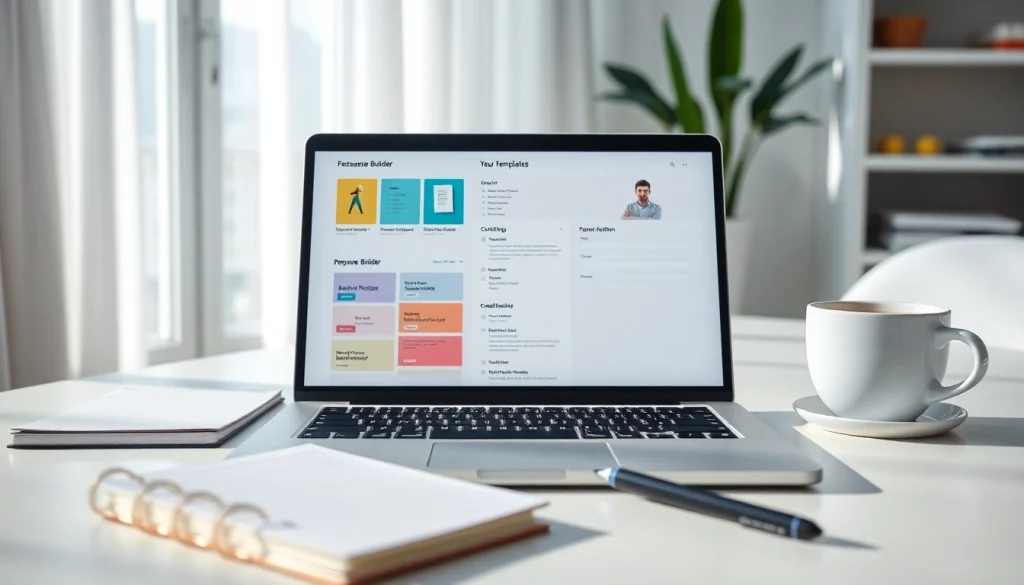
Understanding the Importance of a Resume Builder
In the competitive job market of today, a well-crafted resume can be the key to securing an interview and eventually landing a job. This highlights the relevance of utilizing a Resume Builder, which streamlines the process of creating a professional resume that stands out to potential employers. A resume builder not only helps you format your credentials but also offers guidance and templates, making the task far less daunting.
What is a Resume Builder?
A Resume Builder is an online tool that enables users to create resumes by offering customizable templates and user-friendly features. These tools can guide you through the writing process, allowing you to showcase your skills, experience, and education in a clear and professional manner. By automating the formatting and design aspects, a resume builder allows you to focus on the content, ensuring that it reflects your qualifications effectively.
Why Use a Resume Builder?
Using a resume builder provides several advantages:
- Time-Saving: Creates a resume quickly compared to writing from scratch.
- Professional Layouts: Provides templates that enhance aesthetics and readability.
- Guided Assistance: Offers tips and suggestions for effective content.
- Customizable Options: Allows personalization to match individual styles and job applications.
Key Features of an Effective Resume Builder
When choosing a resume builder, it’s crucial to look for key features that will enhance your resume-building experience:
- Template Variety: A diverse range of templates catering to different industries and job levels.
- User-Friendly Interface: An intuitive design that simplifies the process of inputting and editing information.
- Export Options: Capability to download in multiple formats (PDF, DOCX, etc.).
- Customization: Options to personalize fonts, colors, and layout styles.
- AI-Assisted Features: Suggestions and pre-written content to enhance writing.
Getting Started with Your Resume Builder
Creating an Account
The first step in leveraging a resume builder is creating an account. Most platforms will require an email address and a password. An account allows you to save your work, access it anytime, and make changes as needed. It’s also beneficial for security and retrieval should you need to revisit your resume later.
Selecting Templates
Once you’re logged in, you can browse through various resume templates. It’s essential to choose a design that not only represents your personal style but also aligns with the job you are applying for. Consider the norms of your industry; a creative field may welcome more colorful and unique designs, while traditional sectors may favor minimalistic and professional layouts.
Inputting Your Information
Now that you have your template ready, you can start inputting your information. Most resume builders will guide you through entering your personal details, professional experience, education, and skills. Be concise and focus on achievements rather than simply listing duties.
Customizing Your Resume
Editing Text and Sections
An effective resume is not just about filling in the blanks; it’s about presenting your information persuasively. Ensure that each section is clear, keyword-optimized (related to the job description), and tailored to highlight what makes you the ideal candidate. Many resume builders allow you to reorder sections, enabling you to prioritize information based on relevance.
Choosing Color Schemes and Fonts
The visual appeal of your resume can significantly impact how it is received. Selecting the right color scheme and fonts can enhance readability and aesthetic appeal. Stick to professional fonts and maintain a balance with colors that are not overwhelming. Ensure the color choice maintains contrast for easy reading.
Adding Visual Elements
To make your resume more engaging, consider adding visual elements like icons or borders. However, it’s important not to overdo it. Subtle design changes can make your resume more visually appealing without distracting from the content.
Finalizing and Downloading Your Resume
Previewing Your Resume
Before downloading, always preview your resume. Look for any grammatical errors or formatting inconsistencies, and ensure that everything is aligned properly. Some builders offer a preview function that simulates how the resume will appear to employers.
Choosing File Formats
Most resume builders offer multiple file formats for downloading your resume, including PDF, Word (DOCX), and plain text. PDFs are often recommended for applications because they preserve formatting no matter the device used to open them.
Saving and Printing Options
Finally, save your resume in a location that is easily accessible for future applications. If printing, consider using a high-quality printer and appropriate paper to maintain a professional appearance. Also, ensure that your resume is easily editable for any last-minute adjustments before submission.
Frequently Asked Questions About Resume Builder
How does a Resume Builder help in job applications?
A Resume Builder helps streamline the process, offering templates that ensure clarity, professionalism, and alignment with job requirements, making your application stand out.
Can I edit my resume after creating it?
Yes, most resume builders allow you to save your resume and make edits at any point, giving you the flexibility to update your information as needed.
Are there costs associated with using a Resume Builder?
While many resume builders offer free services, some features or templates may require a subscription or one-time fee for premium access.
What types of templates are available?
Resume builders typically provide a variety of templates suited for different industries, styles, and professional levels, allowing for personalization based on individual needs.
Is technical support included for using the Resume Builder?
Most reputable resume builders offer customer support or help sections to assist with any technical issues or questions users may encounter while building their resumes.